
Dentist Office: Fun Dental Simulation for Kids
Overview
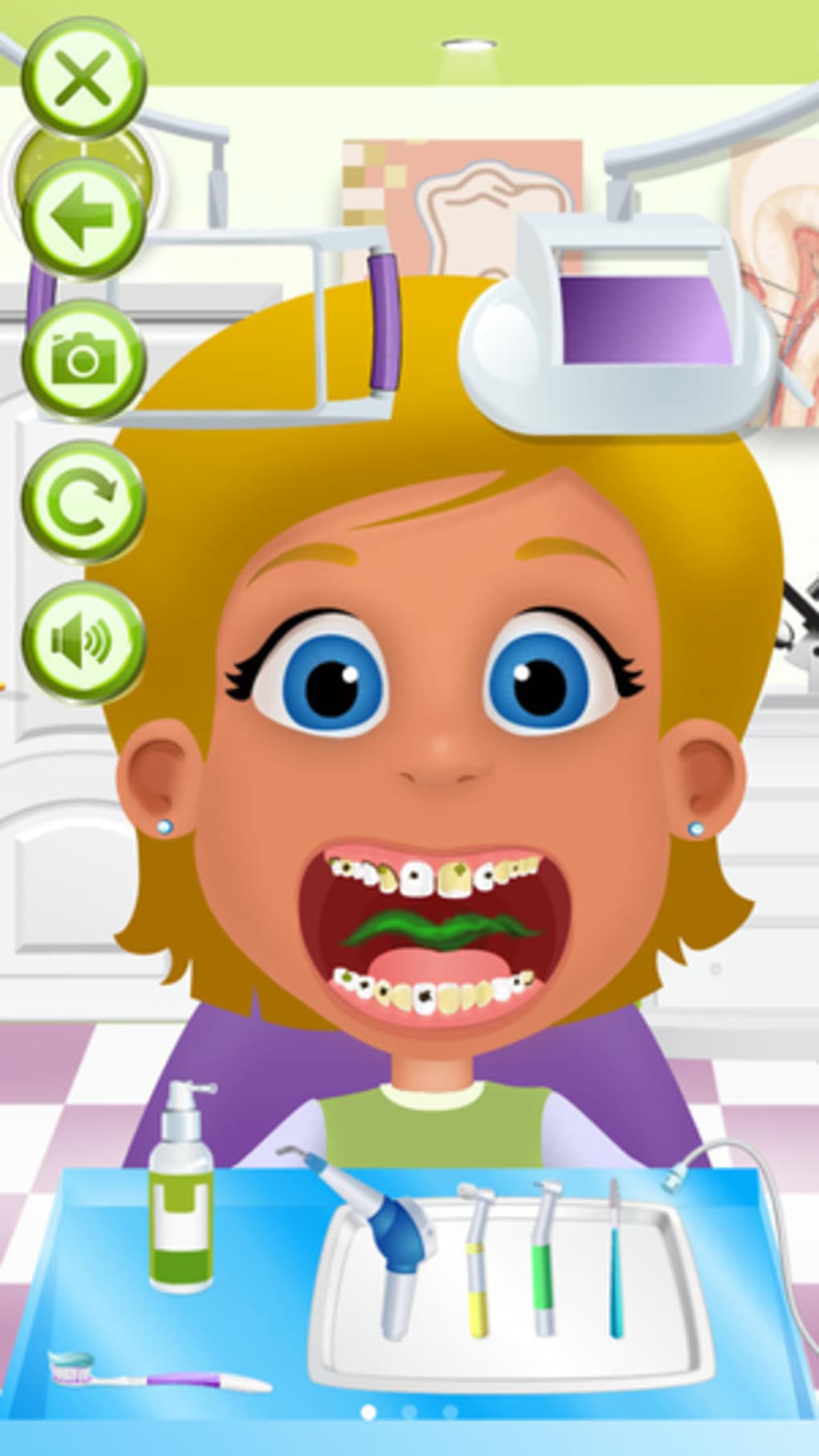
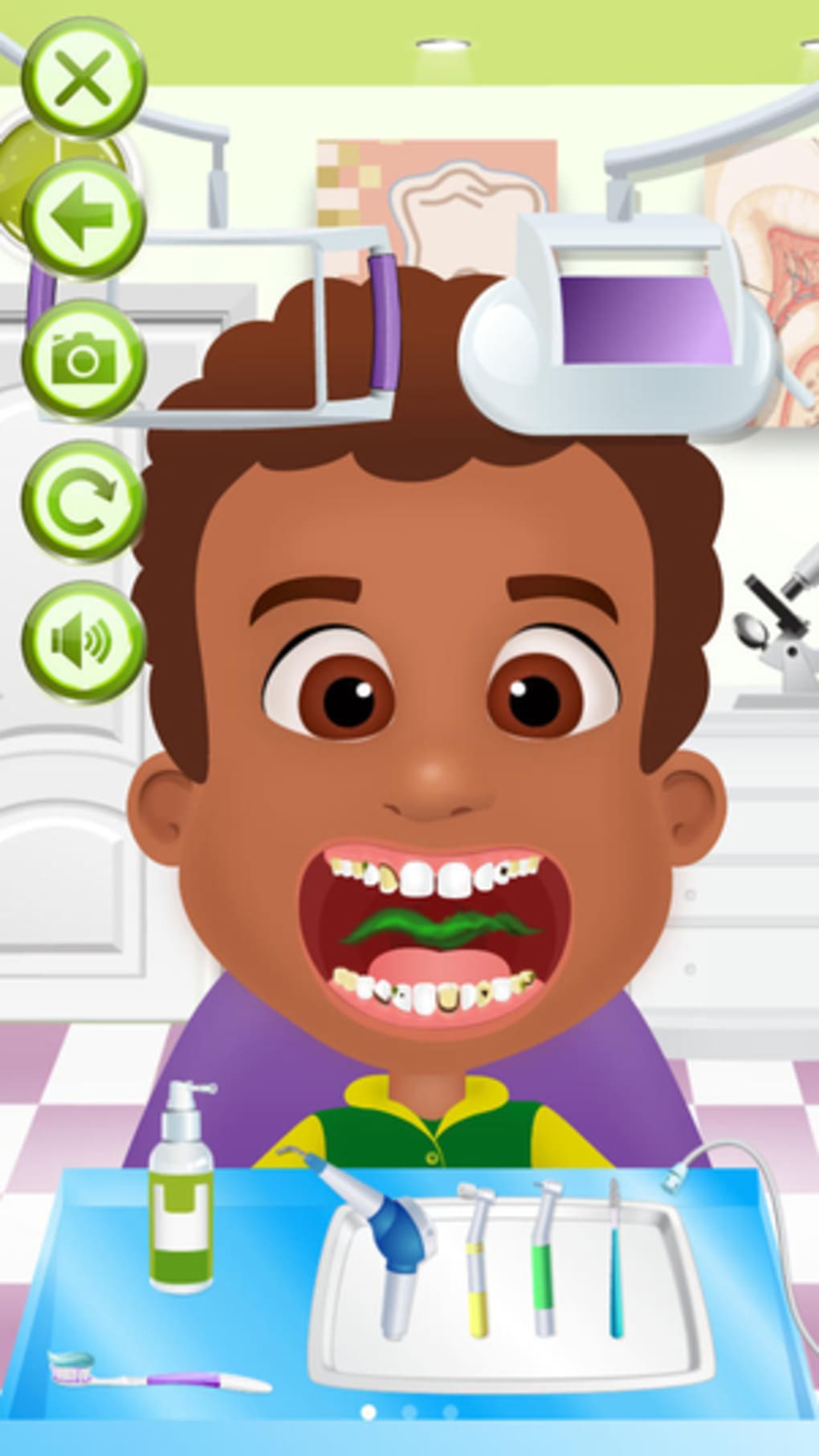
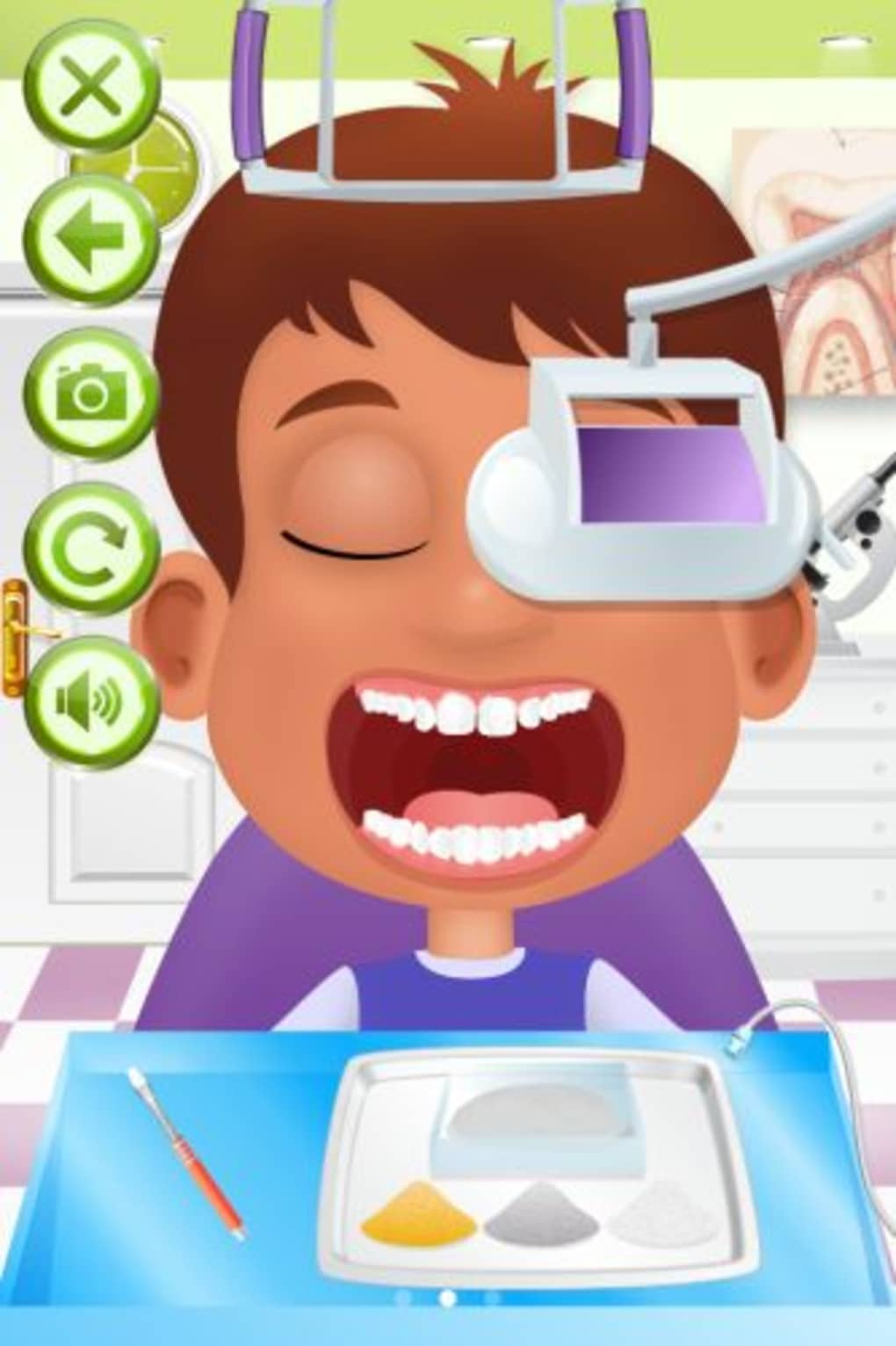
Dentist Office is a playful simulation game developed by PlaySimple Games, designed to immerse players in the role of a pediatric dentist. The software allows users to treat four distinct patients, each presenting unique dental issues such as decayed teeth and unhealthy gums. Players use a variety of dental tools to clean, repair, and straighten teeth, performing these tasks by selecting a tool and dragging it across affected areas.
The game aims to blend education with entertainment, offering a lighthearted introduction to dental hygiene and routine procedures. Its primary audience includes children and young learners, making it a suitable tool for informal learning environments or home use. The game’s simple mechanics and colorful visuals support early engagement and basic understanding of oral care.
While the core concept is engaging, the lack of clear objectives beyond the initial treatment phase may leave some players questioning the game’s progression. The developer did not provide additional context about the game’s design philosophy or intended learning outcomes. Real-world usage scenarios include classroom activities, parent-child bonding time, or casual play for young users interested in medical-themed games.
Key Features & Capabilities
- Patient-Based Dental Treatment – Players manage four different patients, each with individual dental conditions ranging from cavities to gum inflammation. This variety encourages repeated play and varied problem-solving approaches.
- Interactive Tool System – A selection of dental instruments allows users to perform actions such as cleaning, polishing, and aligning teeth. Tools are activated by selection and applied through drag-and-drop mechanics.
- Visual Feedback on Treatment Progress – As players apply tools, the condition of teeth and gums changes visibly, offering immediate visual reinforcement of their actions.
- Child-Friendly Design – The game uses bright colors, simplified dental anatomy, and a non-intimidating interface to appeal to younger audiences.
- Replayable Gameplay Loop – The ability to treat multiple patients with different issues supports repeated sessions, promoting familiarity with dental procedures in a safe, virtual environment.
Each feature is designed to support hands-on learning and engagement. For example, dragging a toothbrush tool over a stained tooth helps children understand how brushing removes plaque. The lack of a defined end goal or scoring system may reduce long-term motivation, but the game remains effective for short bursts of interactive learning. The developer did not specify whether additional levels or difficulty tiers are planned.
User Interface, Workflow & Performance
The user interface of Dentist Office is structured around a central treatment area, with patient avatars displayed on either side. Tools are arranged in a toolbar at the bottom of the screen, accessible with a single click. Navigation is straightforward, relying on mouse input to select tools and apply them to specific areas of the mouth.
The workflow follows a linear path: select tool → drag over affected area → observe visual changes. This simplicity enhances accessibility for younger users and reduces the learning curve. The game’s performance is expected to be stable on supported platforms, given its modest file size of 25 MB.
The developer did not specify resource usage details, so CPU and RAM behavior cannot be confirmed. However, based on general software behavior patterns, the application is likely to run smoothly on modern Windows and Mac systems. Stability during extended play sessions was not reported.
No crashes or lag issues were mentioned in the provided data. The overall experience is consistent with lightweight desktop applications, making it suitable for use on standard home computers.
Compatibility & System Requirements
Dentist Office is compatible with both Windows and Mac operating systems, as stated by the developer. The software version is 1.0, with a file size of 25 MB, indicating a lightweight installation. This size suggests minimal storage demands and fast setup times.
The developer did not specify exact system requirements, such as minimum RAM, processor speed, or graphics capabilities. Compatibility information was partially provided, leaving users without clear guidance on older or low-end hardware. The game does not require a dedicated graphics card or high-end components, which aligns with its casual nature.
No cloud dependencies or online connectivity are mentioned, implying the software can function entirely offline. Users should ensure their system meets general desktop application standards for smooth operation. The developer did not provide details on updates or future compatibility plans.
Pros and Cons
Pros
- Simple, intuitive interface ideal for children and beginners
- Engaging, hands-on dental simulation with visual feedback
- Free to download and use, no purchase required
- Lightweight installation at just 25 MB
- Supports multiple patient treatments for varied gameplay
Cons
- Limited long-term engagement due to unclear objectives
- No scoring or progression system to track improvement
- Developer did not provide system requirements or performance data
- Game continues after treatment completion, leading to a sense of aimlessness
- Minimal educational depth beyond basic dental actions
FAQ Section
Is Dentist Office available for both Windows and Mac?
Yes, the software is compatible with both Windows and Mac operating systems.
Is the software safe to download and install?
Yes, Dentist Office is developed by PlaySimple Games and distributed as a free desktop application. No malware or harmful components were reported in the provided information.
Does Dentist Office require an internet connection?
The game does not require online connectivity to function. It can be used entirely offline after installation.
How often are updates released?
The current version is 1.0. The developer did not provide information about update frequency or future release plans.
Can I use Dentist Office for educational purposes in a classroom?
Yes, the game’s simulation of dental procedures may support basic oral hygiene education. It can be used as a supplementary tool in informal learning environments.
Final Thoughts + CTA
Dentist Office offers a charming, low-pressure introduction to dental care through interactive simulation. While its core mechanics are engaging and well-suited for children, the lack of clear goals and progression systems limits its replay value. The game excels as a casual, educational tool for short-term use, particularly in homes or classrooms where simplicity and visual feedback are prioritized.
Its free status and lightweight design make it accessible to a broad audience. For parents and educators seeking a fun way to familiarize young minds with dental hygiene, Dentist Office provides a harmless and entertaining experience. However, users seeking structured learning or long-term gameplay may find it underdeveloped.
Overall, it stands out as a simple yet effective desktop application for early childhood engagement with health-related topics. Download Dentist Office now.







